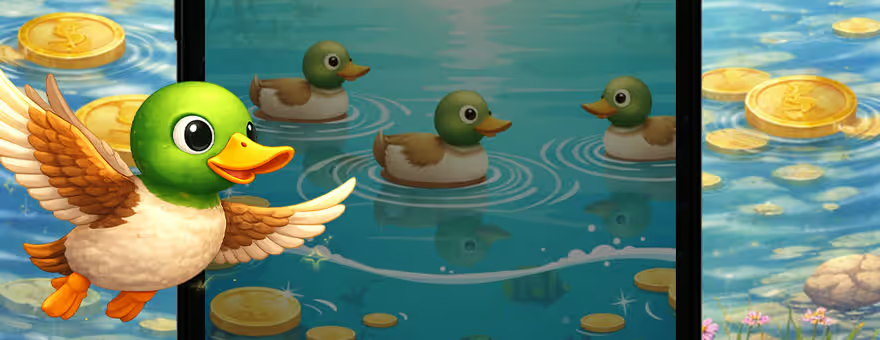
Duck Blast Launcher is not a normal launcher trying to look sleek, serious, and painfully professional. It has a much stranger plan. It wants your Android home screen to feel like it has been dragged into a colorful little game world, complete with custom wallpapers, themes, icon shapes, gestures, and a duck hunting game sitting right there on the home screen.
That is the thing that makes it stand out. Most launchers focus only on neat layouts and clean icons. Duck Blast Launcher adds personality first. It is made for users who want their phone to feel less like a grey office drawer and more like something they actually chose on purpose.
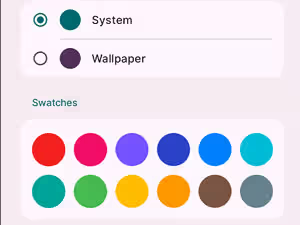
The launcher gives users a good amount of control over how the phone looks. You can pick from original Duck Blast inspired wallpapers, change color themes, adjust icon shapes, and play around with the overall home screen style. It is not just a wallpaper swap with a fancy name attached. The color theme option is especially useful because it lets the whole setup feel more matched. Some people like bright and playful screens. Others want something cleaner but still different. Duck Blast Launcher gives enough room to experiment without making the settings feel like a maze built by someone who hates free time.
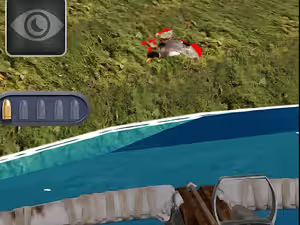
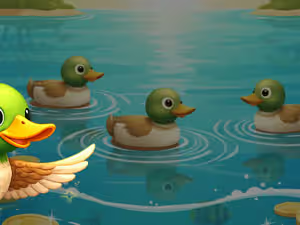
The built in Duck Blast game is easily the most unusual feature. Having a game inside a launcher sounds odd at first, but it also gives the app a clear identity. You can hunt ducks, upgrade weapons and abilities, and move through stages without leaving the launcher experience. It is not trying to be a giant console game. It is more like a quick fun extra that gives the launcher its own little heartbeat. Honestly, that is smarter than pretending customization alone is always exciting.
Duck Blast Launcher is best for Android users who want a playful, game themed home screen with enough practical tools to stay comfortable. It changes the phone’s default layout, but users can switch back whenever they want, which makes trying it feel less risky.
Gallery
More Apps