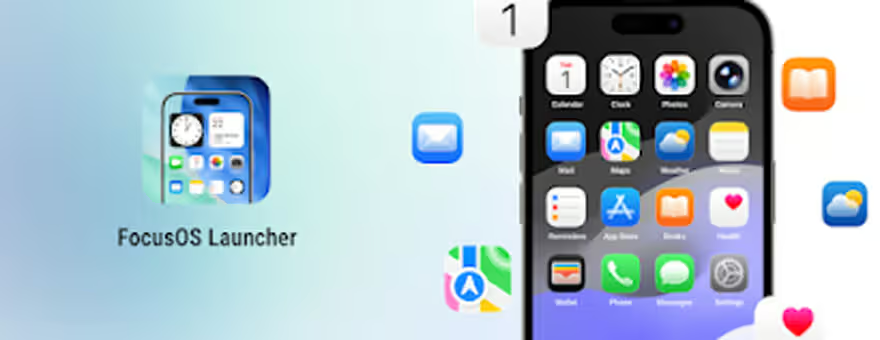
FocusOS Launcher is for anyone who opens their phone and immediately feels attacked by their own apps. You know the scene. Three shopping apps you forgot you downloaded, five games judging you silently, and one folder called “Stuff” that has not helped anybody in history. This launcher tries to clean all that up without making your Android feel unfamiliar. It gives the phone a cleaner home screen, smoother gestures, stylish icons, widgets, themes, and a layout that feels easier to breathe around.
The app library is probably the most useful part of FocusOS Launcher. It organizes apps so you are not dragging your thumb around the screen like you are searching for treasure in a junk drawer. Apps can be grouped automatically, folders are easy to create, and the search feature helps you find things quickly. Hiding apps is also a nice touch. Not for anything suspicious, obviously. Maybe you just do not need every random tool staring at you from the home screen like it pays rent there.
The customization side is where the app becomes more fun. You can rearrange apps, change layouts, edit the home screen with a long press, and try different wallpapers or themes depending on your mood. Some people want a dark, minimal setup. Some want bright colors. Some want their phone to look like a very organized Pinterest board. FocusOS gives enough choice without making the process feel like you need a design degree and emotional support.
The gestures and transitions also help the app feel smooth. A launcher can look beautiful, but if it moves like an old printer waking up, nobody is staying. FocusOS keeps things clean and responsive.
FocusOS Launcher is a solid pick for Android users who want a neater, prettier, easier home screen. It feels modern without being confusing, and useful without trying too hard.
Gallery
More Apps