Turn your personal space into a masterpiece by making just a few changes with this exceptional home and interior designing app.
Regardless of the size of our rooms, we all want our personal spaces to be cozy where we can relax after a long day of work and stress. The problem with interior designing is that it’s not everyone’s cup of tea but, with this new app, it almost it. Room Planner: Home Design 3D is a sublime home design app that allows users to create 2D and 3D floor plans, design rooms and spaces, and visualize their designs in 3D so they can turn their home space into a splendid and cozy one. Millions of people have taken inspiration from this stunning app and, if you’re looking for some, you can browse through the ideas and you may find the perfect setting for your personal space.
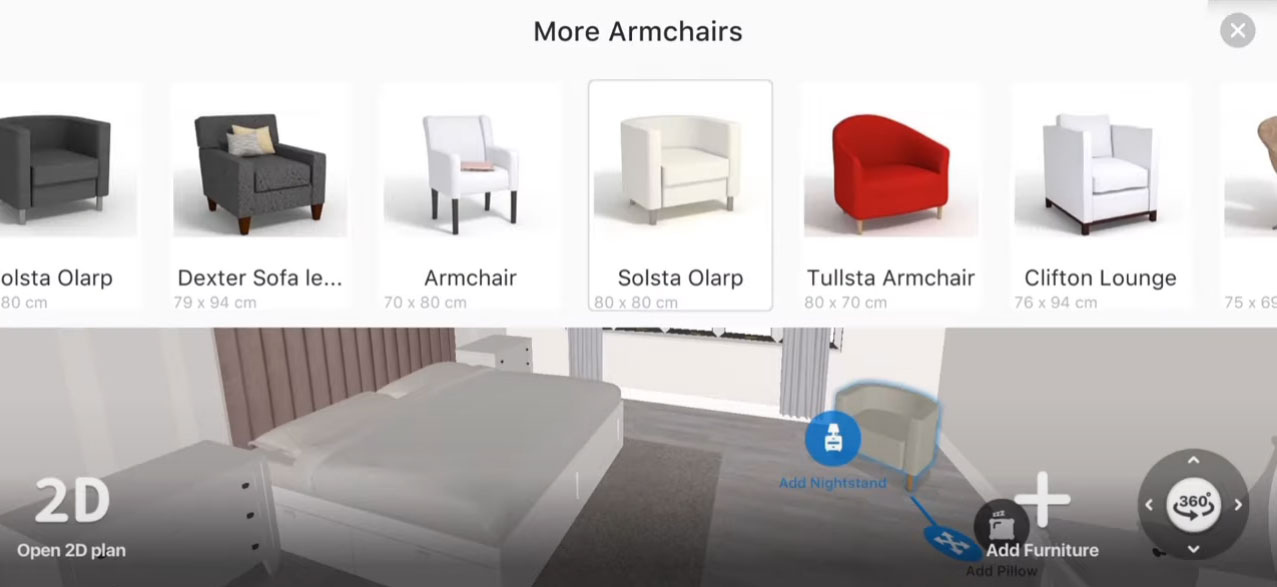
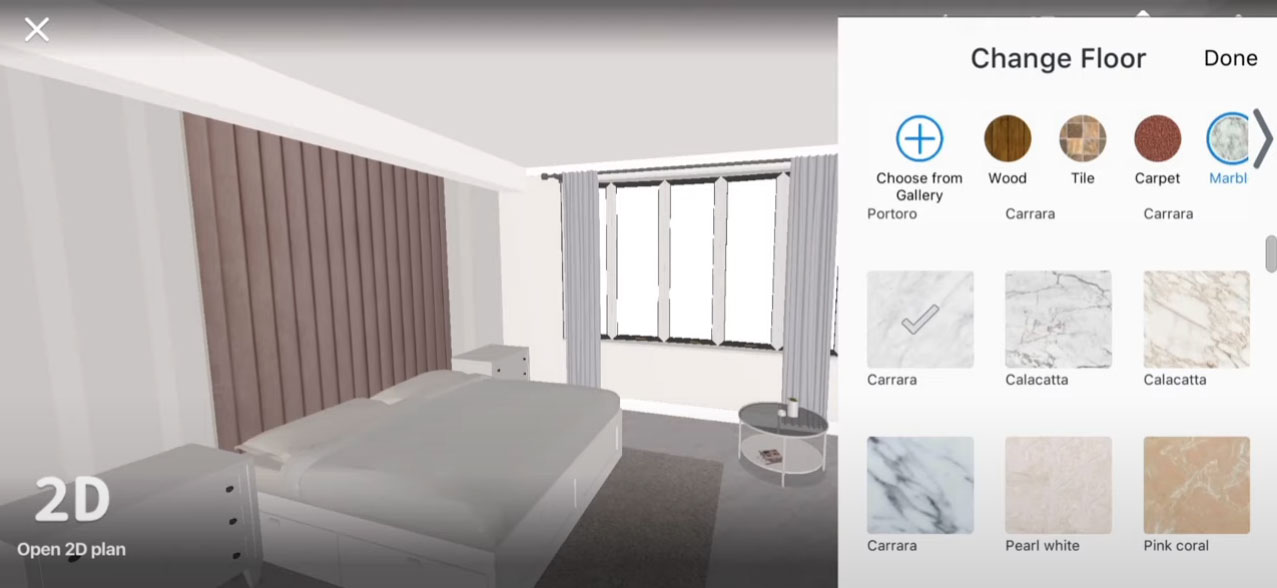
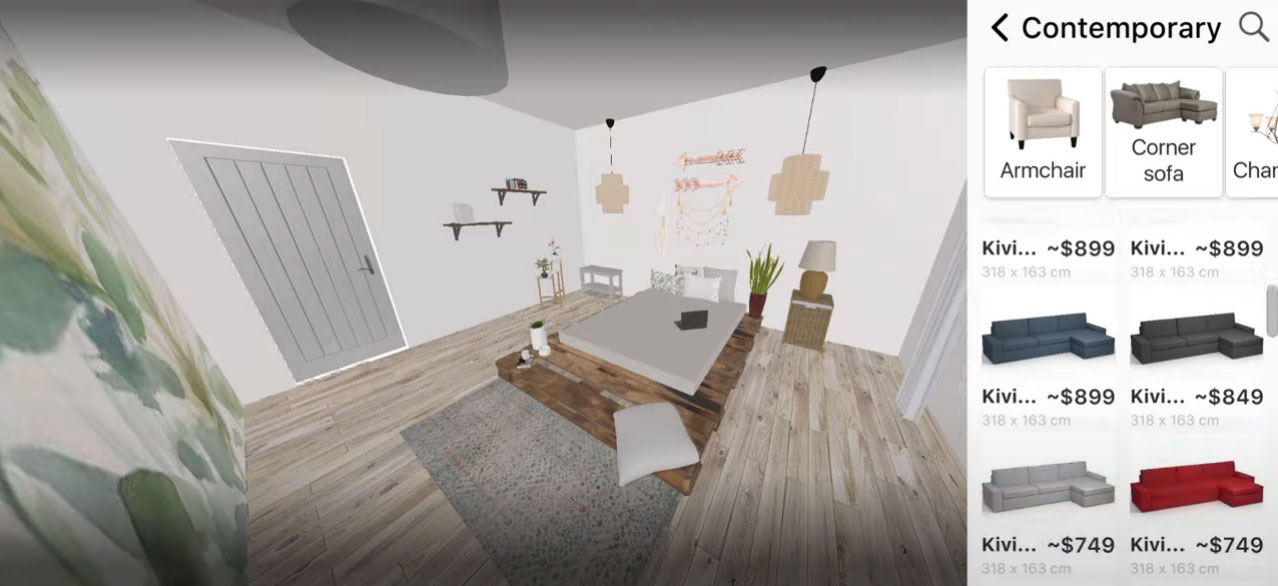
The app’s dashboard has a really sleek and simple design so browsing through the app and using the app won’t be a problem for anyone. Once you get into the app, you’ll see all the categories of home design on the main menu like kitchen, bath, rooms, and living rooms. Depending on your preference, you can pick any category and you’ll be shown thousands of designs. Alongside this, you’ll even get complete creative freedom when it comes to viewing your own personal space in virtual reality and you can place furniture or any other product to see how it would actually look once it’s placed there. Room Planner also offers a range of design tools, including a library of furniture and decor items that can be added to floor plans, as well as options to change wall and floor colors, add lighting, and so much more.
There’s a social aspect to the app as well because you can share your work with other sand, if you’d like, you can view the work of your friends and family as well.
Overall, Room Planner: Home Design 3D is a fabulous home design app that features easy-to-use tools and can be helpful for those who want to transform their personal spaces.
The app’s dashboard has a really sleek and simple design so browsing through the app and using the app won’t be a problem for anyone. Once you get into the app, you’ll see all the categories of home design on the main menu like kitchen, bath, rooms, and living rooms. Depending on your preference, you can pick any category and you’ll be shown thousands of designs. Alongside this, you’ll even get complete creative freedom when it comes to viewing your own personal space in virtual reality and you can place furniture or any other product to see how it would actually look once it’s placed there. Room Planner also offers a range of design tools, including a library of furniture and decor items that can be added to floor plans, as well as options to change wall and floor colors, add lighting, and so much more.
There’s a social aspect to the app as well because you can share your work with other sand, if you’d like, you can view the work of your friends and family as well.
Overall, Room Planner: Home Design 3D is a fabulous home design app that features easy-to-use tools and can be helpful for those who want to transform their personal spaces.
Gallery
More Apps