Never Buy a Scanner Again: Just Scan Your Documents with Your Smartphone
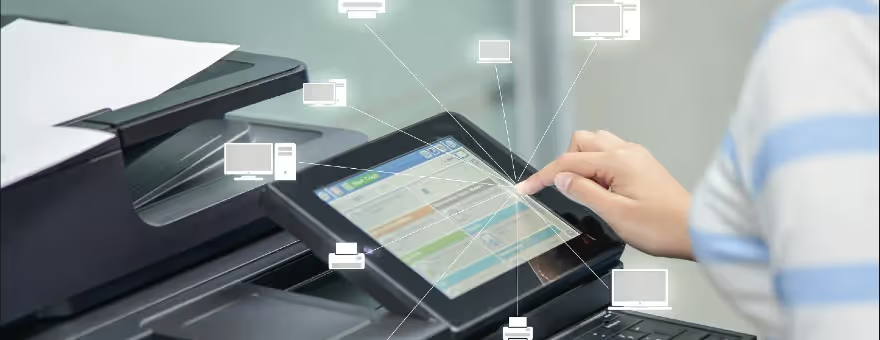
In modern history, there have been several ways of duplicating documents. Mimeographs were popular in the early 20th Century for printing small quantities of a document, as in office work, classroom materials, and church bulletins. By the late 1960s and continuing into the 1980s, photocopying gradually displaced mimeographs and were a common sight in offices and schools worldwide into the 1990s even with the emergence of the desktop scanner, which was similar to a photocopier.
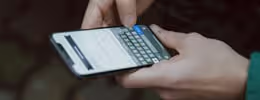
By the late 2000s, higher-end smartphones and tablets were powerful enough to actually capture high-quality scans of paper documents with their high-resolution built-in cameras, which made the copying process faster and more convenient than a traditional scanner.
Scanning documents through mobile apps and websites is done by clicking the photo of the required physical document which you want to scan while scanning through a desktop scanner is done by putting a flat sheet or document on top of it so that a laser can scan the document to be converted into a digital one. The downside of a desktop scanner is that it only scans where the light is reflected perfectly and sometimes even that fails as well.
With scanning apps, you simply click the picture of the document in a good light source and the quality of the scan will be dependent on the resolution quality of your mobile camera. Not only that, you can retake and re-scan your document as many times as you want until you get the best possible copy.
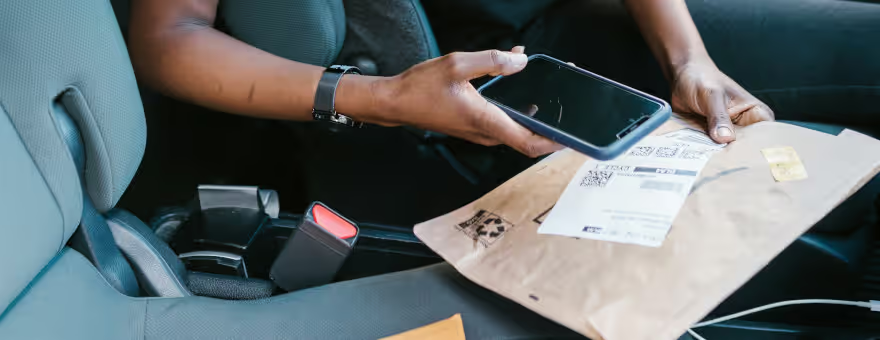
Listed below are the other advantages of scanning apps over traditional desktop scanners, including:
Convenience & Speed
Scanning a document from your mobile phone makes life so much easier than back in the day when you had to use an actual physical scanning machine that takes up a lot of space on your desk. Mobile document scanning is not only literally at your fingertips via your smartphone, but it makes the process much quicker, convenient, and more efficient. Scanning apps are good in a pinch to create PDF files, such as contracts and invoices, right from the scanner app where then you can then email or text them quickly to someone, print them directly from a printer via Bluetooth, or save them straight to your storage device or cloud account.
Smart Image Optimizing
Scanner apps can also function as rudimentary photo editing software where the app can perform automatic border detection and cropping on the document; transform and rotate images with just one tap; generate perfect quality docs with advanced pic processing filters; and much more depending on the app’s features.
Text Extraction
Recognize and extract any text from your scans with Built-in OCR (optical character recognition) features; recognize any text from your scans; and create and add your own e-signature on documents.
Various Scanning Modes
Most scanning apps even have specialized modes to make the scanning of popular document types automatic, and thus, faster such as ID card & Passport modes specifically designed for fast and convenient scans of ID documents and QR Code scanning where you can scan any QR code with the camera on your mobile device.
Document Conversion
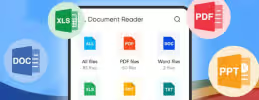
No need to transfer your document to a computer for document conversion. With a scanning app, you can automaticallty scan, save, and share any document in multiple formats such as PDF, JPG, Word, TXT, DOC, DOCX, XLS, XLSM, XLSX, CVS, PPT, PPTM, PPTX, and many more.
Share and Collaborate
With most many top scanning apps you can share just scanned files for instant commenting or viewing in WhatsApp, iMessage, Microsoft Teams, and other popular email and social media platforms; collect comments from multiple people in one file online; collaborate on documents by responding to each other's comments in real time; and receive activity notifications for the files you share.