
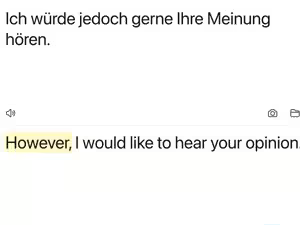
DeepL Translate is one of those apps you open when you do not just want words swapped from one language to another. You want the sentence to actually sound like something a human would say. Big difference. Anyone can translate “good morning” and feel proud. The real test is when a sentence has attitude, context, or that weird formal tone people use in emails when they are secretly annoyed. The app handles text translation smoothly, and it starts detecting language as you type. That makes it feel quick, almost like it is already leaning over your shoulder saying, “Yes, I know where this is going.”
The camera and photo translation features are where DeepL becomes useful outside normal typing. You can point your camera at text or upload a photo, and the app helps translate what it sees. Menus, signs, documents, random packaging, all the usual things that suddenly become important when you cannot read them.
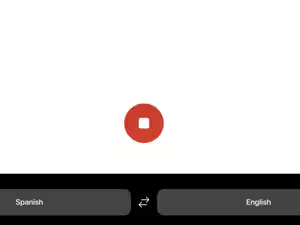
Dictation is another strong feature. You can speak out loud and get it translated, which is great when typing feels too slow or when your fingers have decided they are off duty. Text to speech also helps because sometimes reading a translation is not enough. You want to hear how it sounds before saying it with full confidence and possibly full disaster.
Favorites and history make the app better for repeat use. You can save words and phrases, reuse past translations, and avoid translating the same sentence every week like your brain is playing a prank on you. The alternative translations are also useful for short phrases, because one word can have five moods depending on where you put it. Transliteration helps with languages like Japanese or Russian by showing non Latin text in a readable alphabet, which is a small mercy for confused learners everywhere.
DeepL Translate feels polished, fast, and more natural than many basic translation apps. File translation, glossary options, tone settings, and DeepL Write make it even more useful for work, study, travel, and everyday language chaos.
Gallery

More Apps