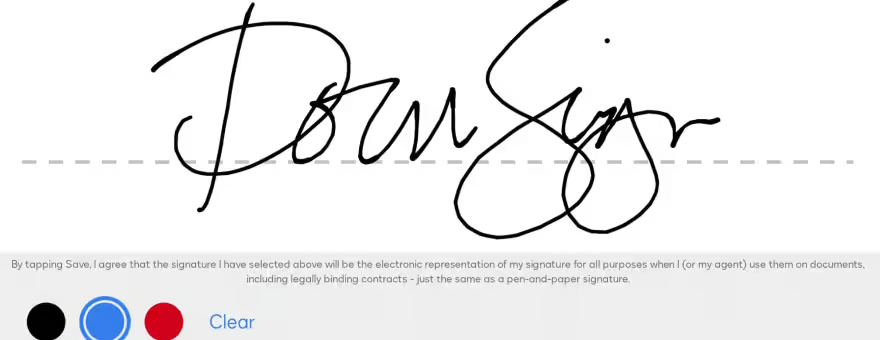
Make signing documents for you and your team quick and without any fuss.
Easily put your signature on your important documents and send them using DocuSign - Upload & Sign Docs. Get to put your mark on different types of media like pdfs, photos, and scanned files. You can also manage the document and have them go through different users that would require their signatures as well. It's quick, simple, and easily navigated through.
When you begin in DocuSign - Upload & Sign Docs, you need to create an account using a valid email. This is important since you can connect with other people and be able to form a network when using the app. You can opt for a free version or upgrade to a more premium edition and have access to all features and content. There is only a limited number of uploads if you try out the one without charge but you got no limit when it comes to signing.
Using the app is pretty straightforward as you need to upload a file into your documents first and then you assign the persons who has to sign it. You can crop or edit the image and make it look presentable before you and your team affix your signatures. After you made the necessary marks on the document, you can then save it in your library or share it with others. There is also other information you can add like the date, an email address, a checkbox, and more. But you need to set up your template for your signature and initials so you can just easily insert it.
To end, if you are looking for an awesome app that makes signing and managing documents a breeze then DocuSign - Upload & Sign Docs is the one for you. Not only does it let you personalize with three different ink colors for your signature but you can also set the order of the people who gets to mark it. Come try it out and take it easy.
Gallery


More Apps